Choose a design
Preview the opening and see what your guests will see.
Digital invitations made personal
Make the invitation as personal as the day itself.
Free to start. No card needed.
The collection
From idea to invitation
Preview the opening and see what your guests will see.
Add the names, photos and places your guests need.
Check your names, photos and event details in the full preview.
Inside the invitation
Try the RSVP in the invitation preview.
Swipe through the moments you want to share.

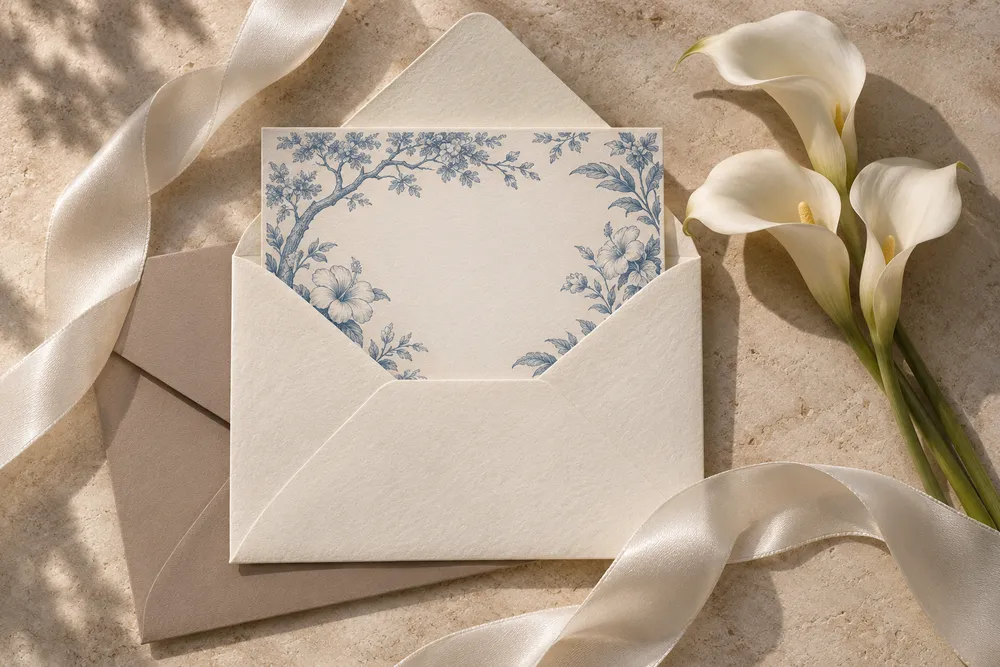
See a guest’s name appear on the opening.
An invitation for Ada ↗Feature concepts
Guest manager concept
See how replies could look in one place. All names and counts below are illustrative.
Illustrative testimonials
“Opening it felt like opening something made just for us.”
“I found the time and venue in one place.”
Pricing
Build and preview a draft at your own pace. No trial timer or card required.
Before you start
Yes. Choose a design, add your details and preview a draft without a card.
In the browser where you created it. Use the same browser and device to pick up where you left off.
Yes. Add a cover portrait and up to three gallery photos in the wedding editor. Occasion drafts support up to three gallery photos.
Yes. Invitation previews open from a link and are designed for phone browsers.
Yes. Try adding a guest name in the wedding editor or open the personalised preview above.
You can share a template preview link now. Personalised publishing from the editor is still in development.
The template preview includes an RSVP you can try. Preview replies stay in that browser.
Yes. Send a custom design request with a little about your celebration.